How to buy tickets. Please read
We would like to thank you for buying tickets for Laa Columb Killey. The button below will enable you to purchase Tea tickets plus entry and tickets for the Ceilidh in the evening. If you encounter any problems email website@laacolumbkilley.org.
We are using PayPal to process the payments. You can use your PayPal account to pay, if you have one. However, you do not need to have a PayPal account to pay, and you do not need to set up a PayPal account either.
If you could please use the Yellow “PayPal” button to start the payment process. Instruction and images below, show how pay for tickets without setting up a PayPal account. If you encounter any problems with the payment email website@laacolomkilley.org.
IMPORTANT – ALL Arbory School pupils will be given an entrance/tea ticket at school prior to the day
Instructions on how to pay without setting up a PayPal account.
When selecting either the Tea ticket or the Ceilidh ticket, you will be able to add how many adult or child tickets you require. Once you have done this, you will need to click the black button that says “Register For This Event”.
You will then be taken to the basket, where you will see your order. Having bought either ticket, you need to fill in the billing details.
If you have bought the Tea tickets and wish to buy Ceilidh tickets as well, you will need to click the black button at the top “Back to Home” then navigate via the tickets button and this page and then on to the ticket page again.
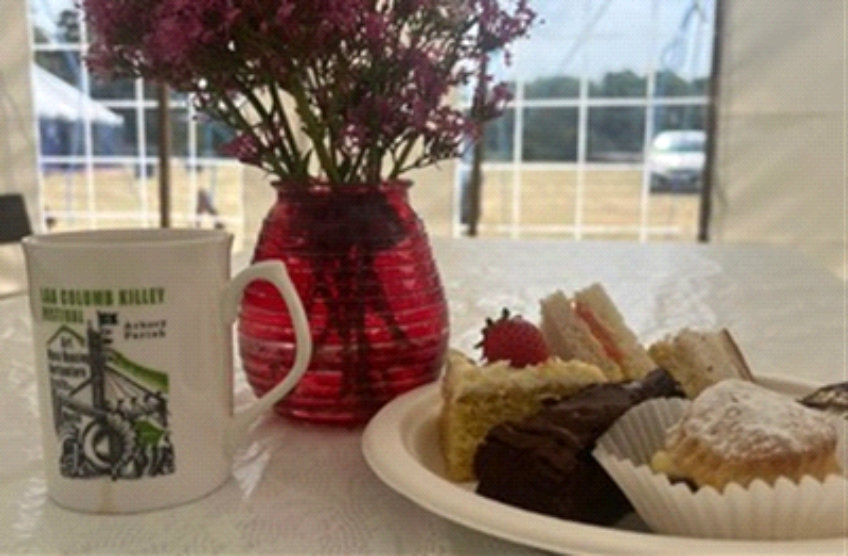
Buy Entrance and Tea Tickets in advance to avoid queuing.
Use the button below to get your entry tickets
Use the button below to get your ceilidh tickets
If you are ready to pay click the Yellow PayPal button.

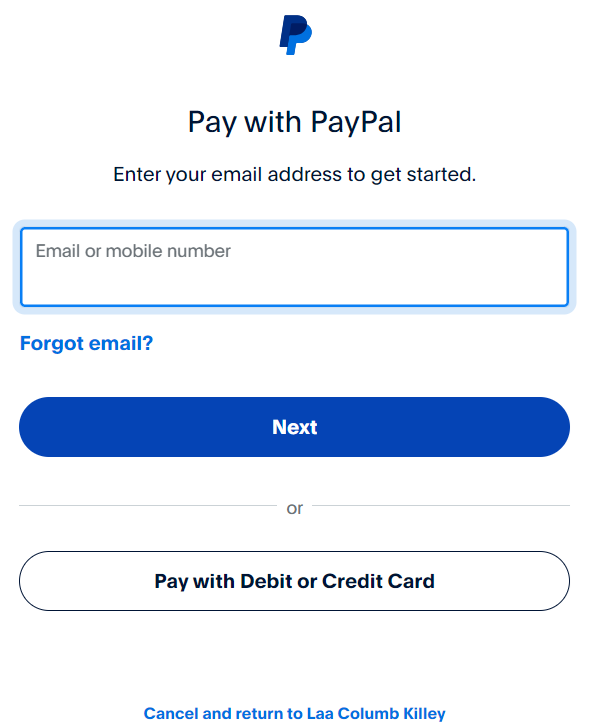
You will see a screen above. You can either enter you PayPal email address or click the “Pay with Debit or Credit Card.
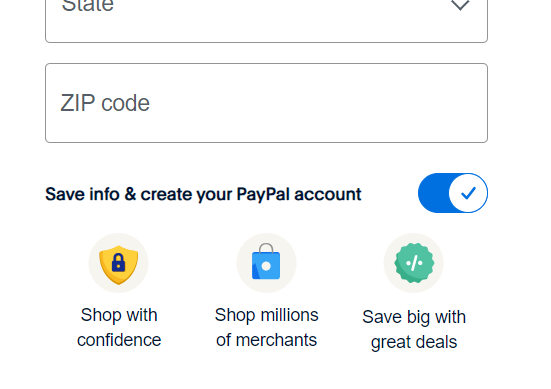
On the next screen you need to fill in the information. Change the country from United States to United Kingdom enter your phone number. Then fill out your billing information under the zip (post) code you must uncheck the button that says “Save information & create your PayPal account”.
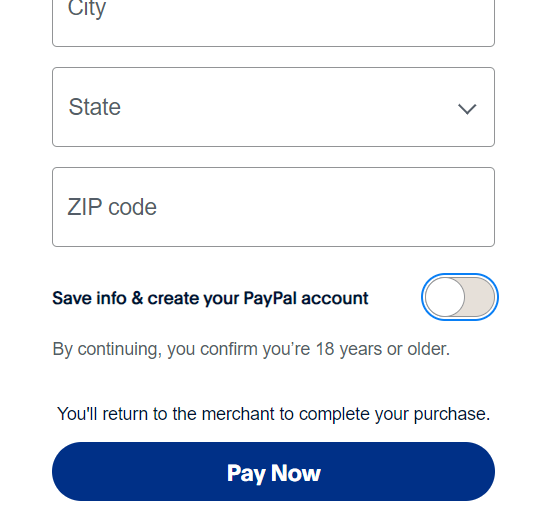
The screen will change and you will see a blue button that says “Pay Now”. Click that and the payment will be made.
On the Day
You will receive an email that is titled “Your Laa Columb Killey order is now complete.”. You can print this off or show this email, as it details the tickets you have ordered and can be checked at the Entrance when you arrive on the day.